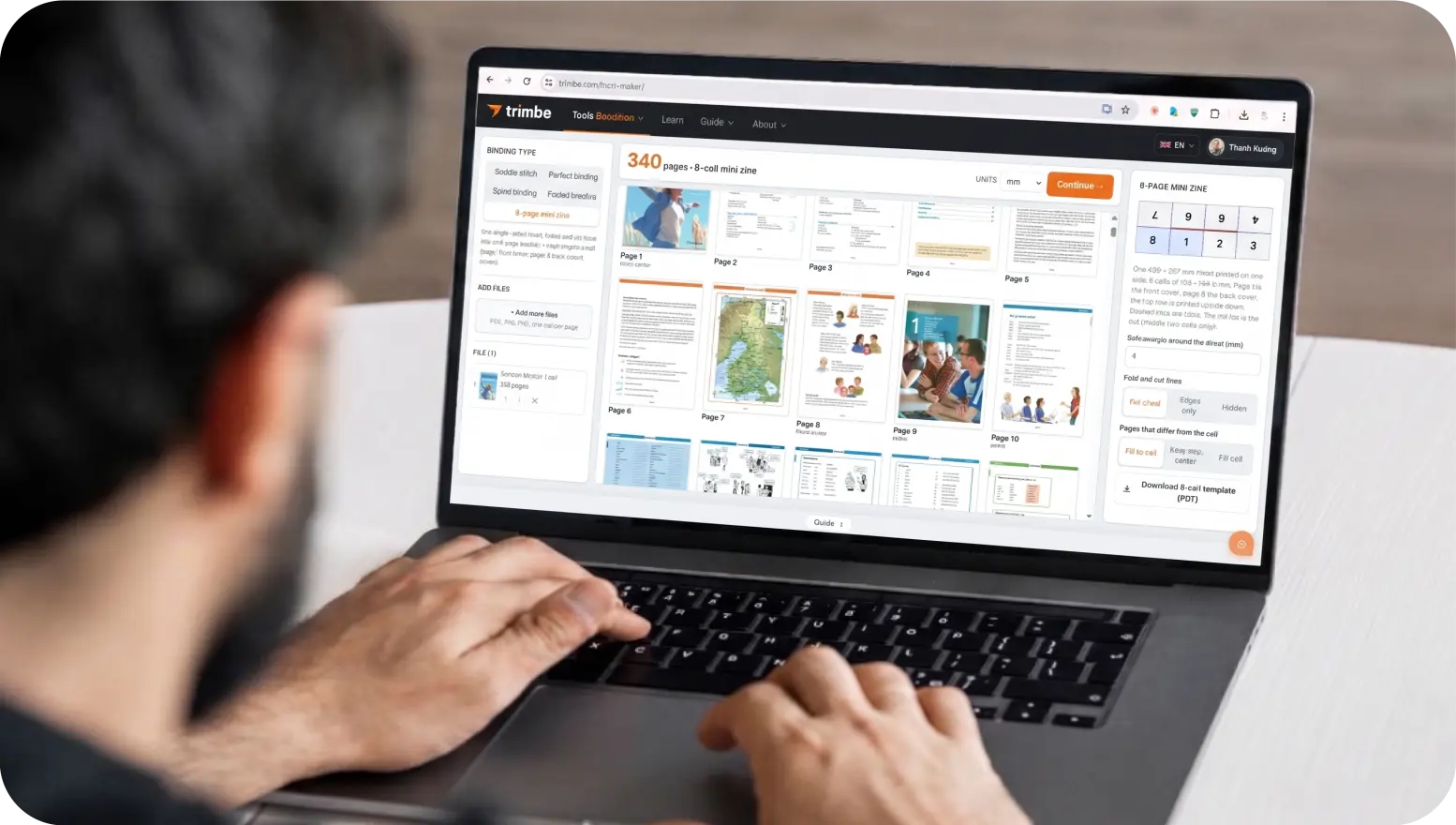
Brochure imposition on Trimto: drop in your brochure with one page per panel (page 1 is the front cover) and the panels are placed on the outside and inside in the right order for a half fold, roll fold or Z-fold. Fold marks, bleed and crop marks are added, and you export a double-sided print PDF for free; files never leave your device.
Features
- 4-page bifold (half fold), 6-page C-fold (letter fold), and 6-page Z-fold accordion
- Automatic panel sequencing for outer and inner spreads
- C-fold compensation: inner tuck-in panel is sized narrower so the brochure folds flat
- Dashed fold tick marks in sheet margins, custom bleed, and crop marks
- Download blank panel dimension templates to ensure accurate artwork setup
- Gang-run multiple folded brochures onto larger press sheets by target quantity
How it works
- Open your PDF or images: single pages per panel, or a pre-imposed 2-page spread.
- Select "Folded brochure" and choose your fold style; download templates if designing from scratch.
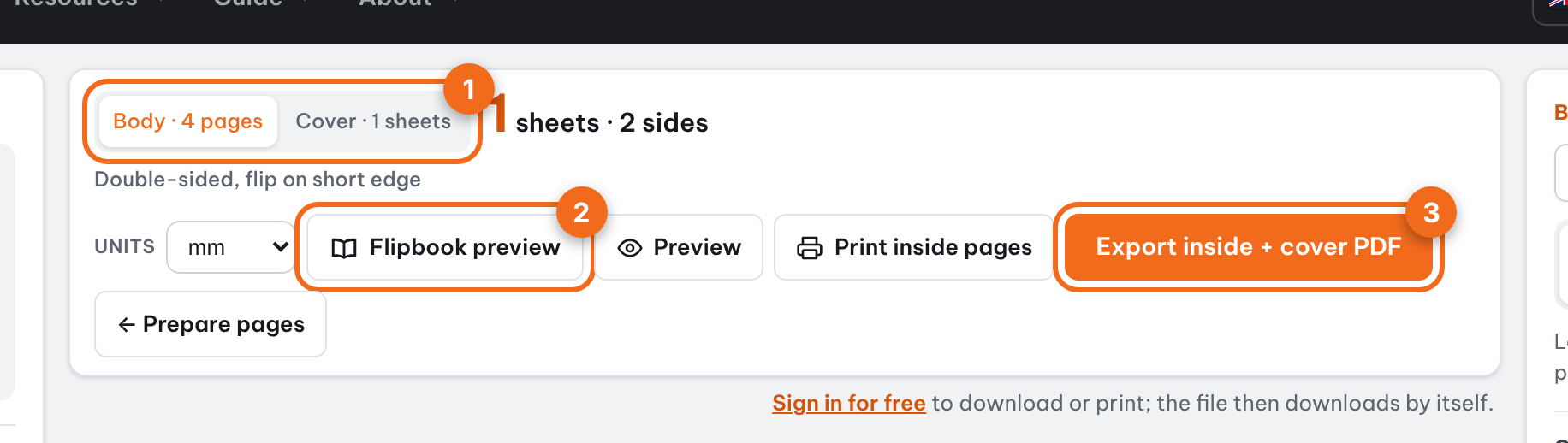
- Click Continue, enter your print quantity, and select sheet size.
- Preview both sheet sides, then export your print-ready PDF.
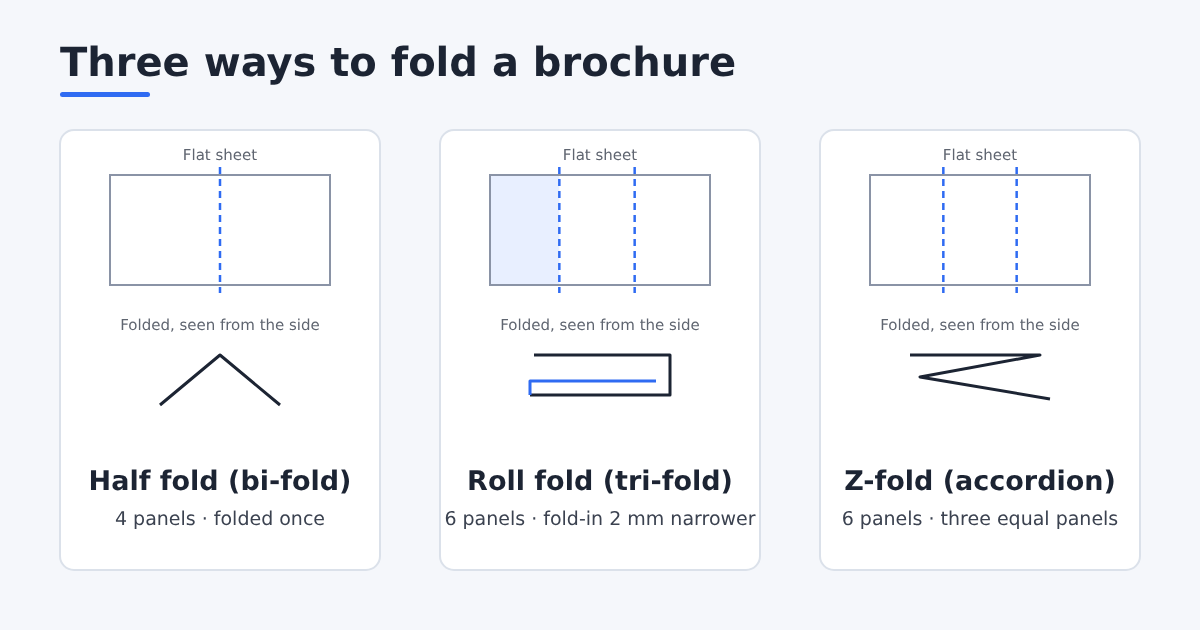
Brochure fold types
| Fold | Panels | How it folds |
|---|---|---|
| Half fold (bi-fold) | 4 | Folded once, like a card or small menu |
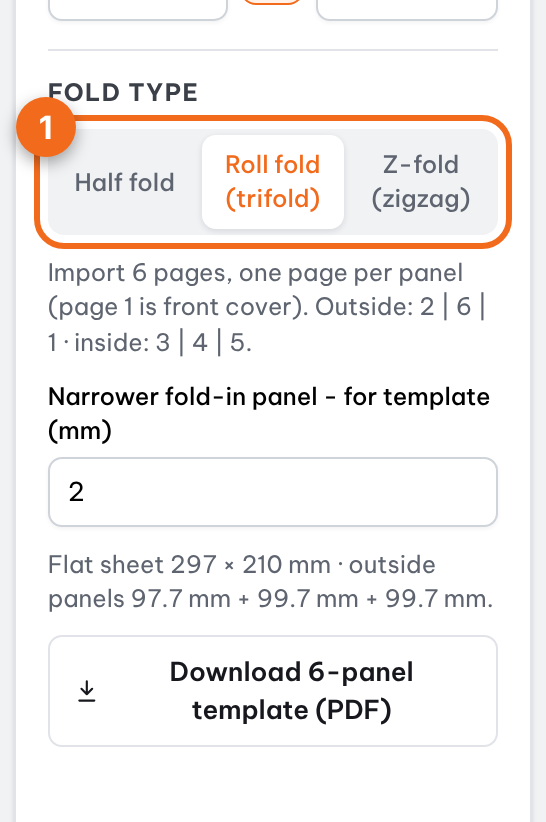
| Roll fold (tri-fold) | 6 | The two end panels fold in one after the other; the fold-in panel is narrower so it lies flat |
| Z-fold (zigzag) | 6 | Folded in a Z, three equal panels that open like an accordion |
Panel order on the outside and inside
Design in reading order (page 1 is the front cover); Trimto puts each page in the right panel of the flat sheet, left to right:
| Fold | Outside | Inside |
|---|---|---|
| Half fold | 4 | 1 | 2 | 3 |
| Roll fold | 2 (fold-in panel) | 6 (back cover) | 1 | 3 | 4 | 5 |
| Z-fold | 6 | 5 | 1 | 2 | 3 | 4 |
Tri-fold brochure panel sizes
In a roll fold, the panel that folds in must be 1-3 mm narrower than the others, or the brochure will not close flat. Enter it in "Narrower fold-in panel" (2 mm by default) and Trimto splits the panel widths for you.
For example, an A4 landscape brochure is 297 mm wide; with the fold-in panel 2 mm narrower, the two regular panels are 99.67 mm and the fold-in panel is 97.67 mm. Click "Download 6-panel template (PDF)" to give your designer the exact panel sizes.
| Sheet (landscape) | Roll fold: regular panels | Roll fold: fold-in panel | Z-fold: each panel |
|---|---|---|---|
| A4 (297 × 210 mm) | 99.67 mm | 97.67 mm | 99 mm |
| US Letter (11 × 8.5 in) | 93.8 mm (3.69 in) | 91.8 mm (3.61 in) | 93.13 mm (3.67 in) |
| US Legal (14 × 8.5 in) | 119.2 mm (4.69 in) | 117.2 mm (4.61 in) | 118.53 mm (4.67 in) |
| A3 (420 × 297 mm) | 140.67 mm | 138.67 mm | 140 mm |
Two ways to supply the file
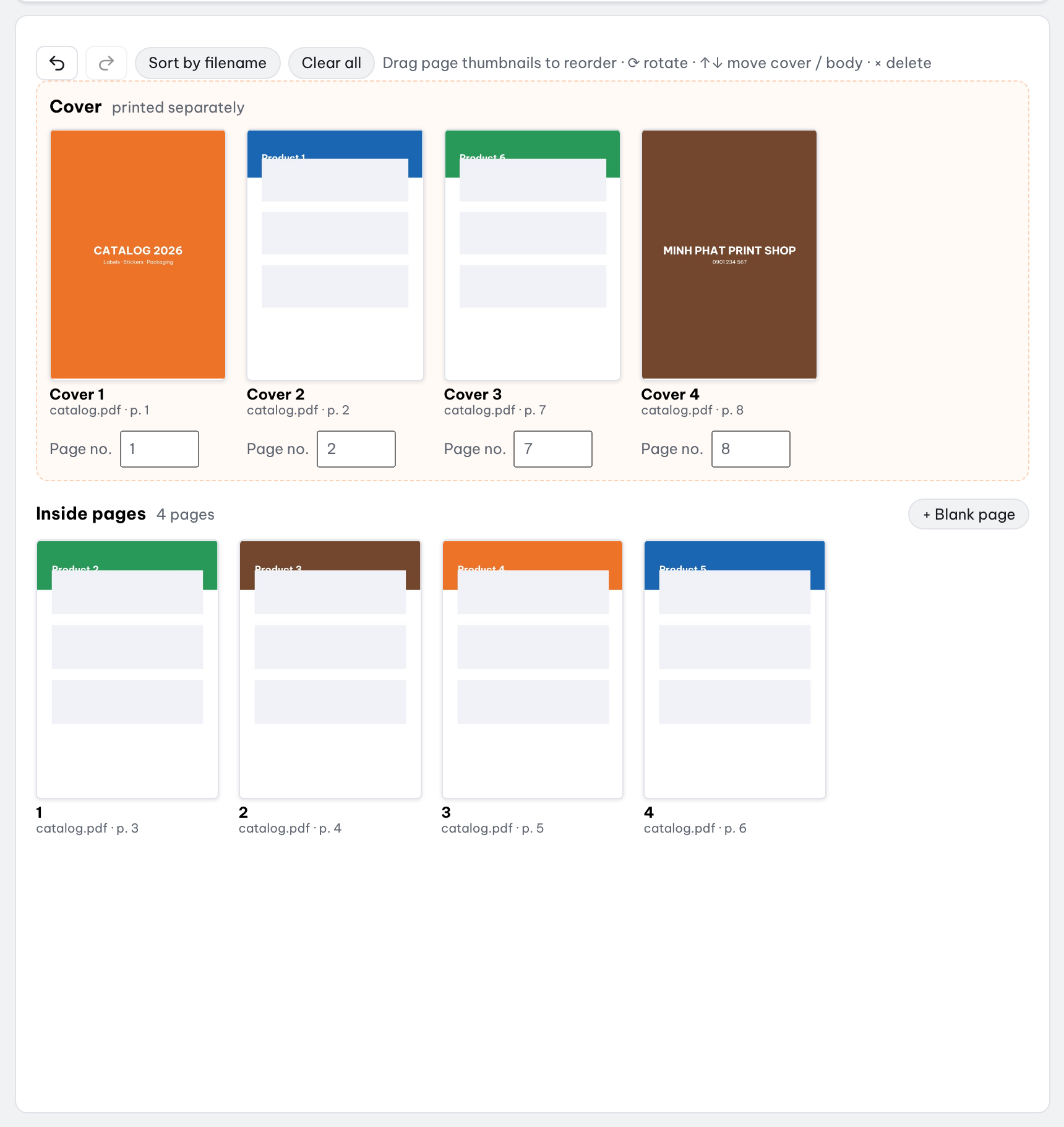
- One page per panel: a 4-page (half fold) or 6-page (tri-fold) file, page 1 being the front cover; the panel order is shown under the fold type.
- Ready-made spreads: a 2-page file, page 1 the outside and page 2 the inside; Trimto uses them as they are.
- PNG or JPG pages work just like PDF pages.
Fold marks, bleed and crop marks
Fold marks are short dashed lines in the sheet margin at each fold, so you can fold straight after trimming. Bleed and crop marks are added around the brochure so full-bleed backgrounds do not show a white edge.
Quantity, sheet size and double-sided printing
Click Continue, enter the quantity and choose a sheet size; if the sheet is big enough, several brochures are placed on one sheet. The preview shows both sides and tells you how to flip the paper for double-sided printing.
- Print double-sided, flipping the paper as shown under the preview.
- Trim at the crop marks.
- Fold at the fold marks, outside facing out.
Step-by-step guides
Further reading
FAQ
- What is the difference between a C-fold and a Z-fold trifold?
- A C-fold (letter fold) folds both outer panels inward toward each other; the tucked-in flap is made 2–3 mm narrower to lay flat. A Z-fold (accordion) folds in alternating directions like a zig-zag, with all panels of equal width.
- Which page should be page 1 in my multi-page file?
- Page 1 represents the front cover when folded; Trimto automatically positions all subsequent pages into their correct inside and outside panel positions.
- Is brochure imposition on Trimto free?
- Yes. Imposition, panel templates and PDF export are free with no watermark. Files are processed in your browser and never uploaded to a server.
- How wide is each panel of an A4 tri-fold brochure?
- A4 landscape is 297 mm wide. A Z-fold has three equal 99 mm panels. A roll fold with the fold-in panel 2 mm narrower has two 99.67 mm panels and a 97.67 mm fold-in panel.
- Can I use a file that already has the 2 sides laid out?
- Yes. A 2-page file is read as the outside and inside spreads; Trimto keeps the layout and only adds fold marks, bleed, crop marks and places it on the print sheet.